> For the complete documentation index, see [llms.txt](https://docs.hivel.ai/llms.txt). Markdown versions of documentation pages are available by appending `.md` to page URLs; this page is available as [Markdown](https://docs.hivel.ai/integrations/ai-tools/github-copilot-integrations/business-plan-reauthorization.md).
# Business plan (Reauthorization)
Reauthorize your GitHub Copilot Business integration when your credentials expire or permissions change.
### **Important**
Use a Copilot admin account with access to all relevant workspaces.
**In Hivel:**
1. Go to **Settings** → **Integrations** tab.
2. Find the **Copilot** card and click **Reauthorize**.
3. Select **Business plan** and click **Continue**. You'll be redirected to GitHub.
4. Verify that you are a GitHub admin to proceed
### **In GitHub:**
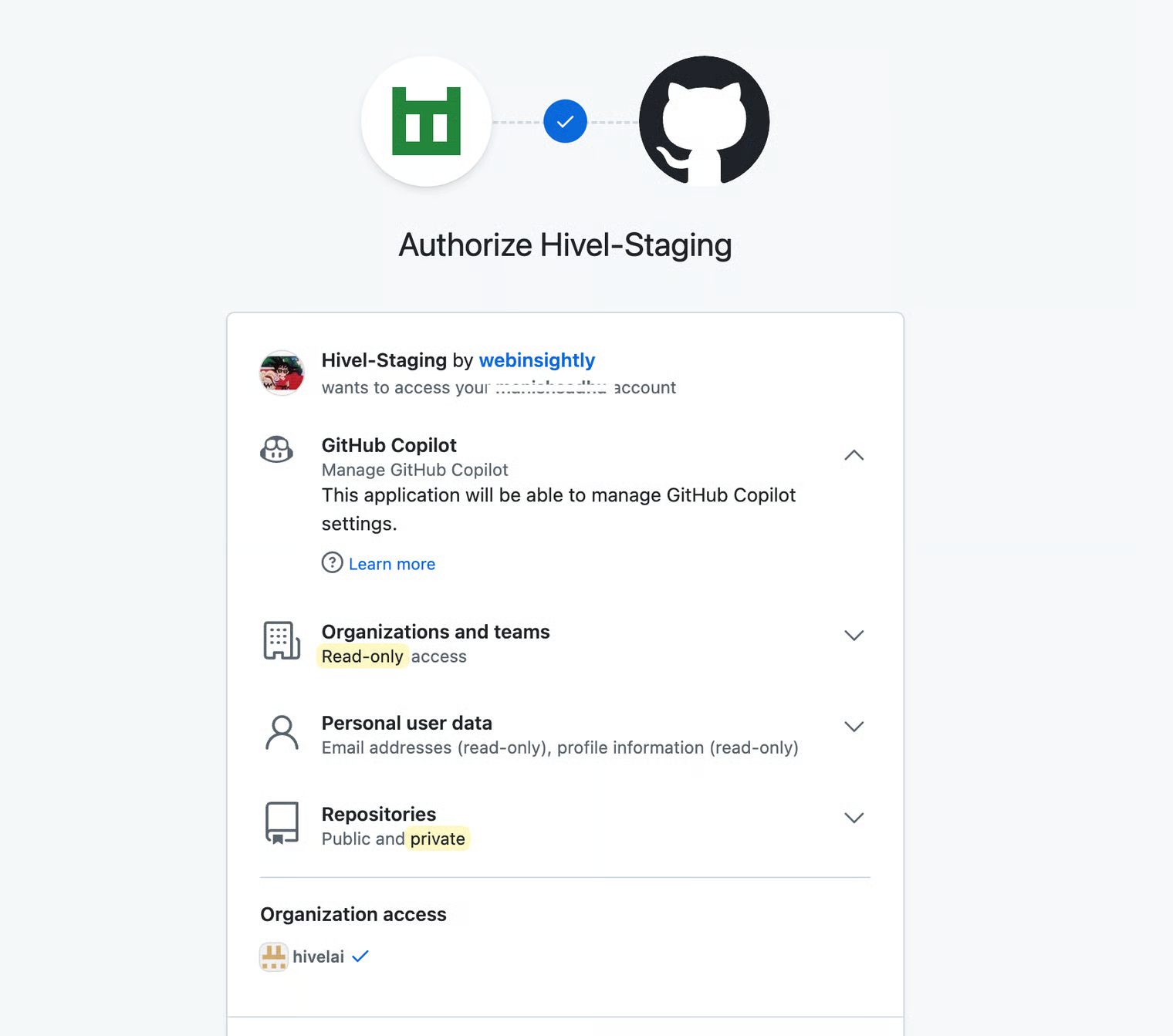
1. Click **Grant** to authorize Hivel's access to your organization.
### **What Happens Next**
Metrics are processed within 24 hours and will appear in your Copilot Adoption screen.
#### **To continue setting up your integrations** → [Back to Integrations](/integrations.md)