> For the complete documentation index, see [llms.txt](https://docs.hivel.ai/llms.txt). Markdown versions of documentation pages are available by appending `.md` to page URLs; this page is available as [Markdown](https://docs.hivel.ai/set-up/users/how-to-invite-more-users-to-use-hivel.md).
# How to invite more users to use Hivel?
If the user does not have a Git account, they can sign up using [app.hivel.ai/signup](http://app.hivel.ai/signup)
### **If the user has a Git account then follow the below steps -**
1. Go to **Settings.**
2. Select **Access Management**
3. Click on User Management.
4\. Search for the user in the user list or use the search tab.
5\. Click on the Invite option for new users.
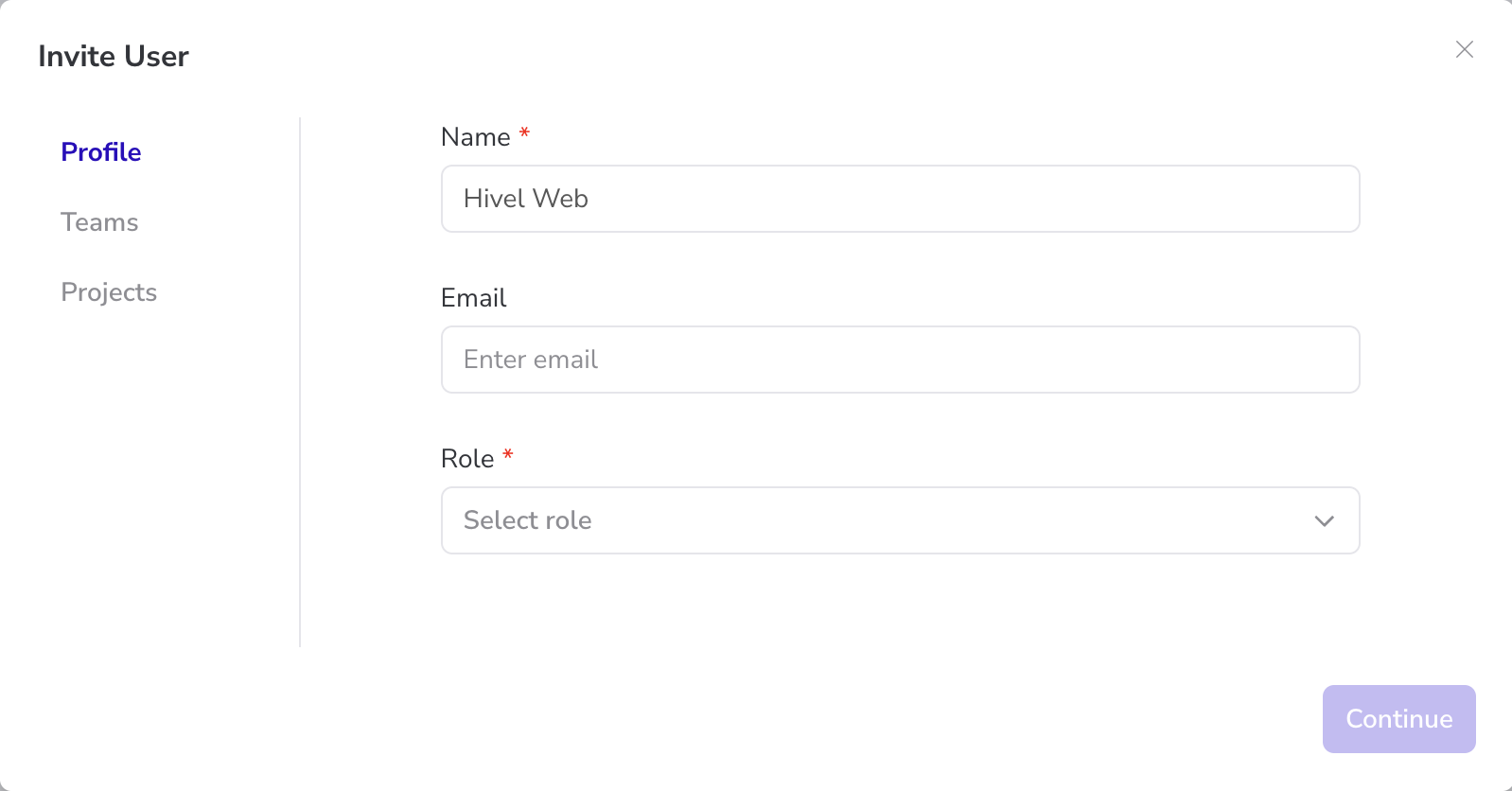
6\. If the user has no email ID associated with their name, manually enter the email address.
7\. Select the role based on the hierarchy.
* **Admin** *(Full access to the entire platform, responsible for managing permissions and settings)*
* **Executive** *(CTO, CEO and Founders)*
* **Leader** *(VPs, Director and Department heads)*
* **Managers** *(Team Leads, Engineering Managers and Project Managers)*
* **User** *(Developers and Engineers)*
{% hint style="info" %}
**Click on Continue at every step to save the progress.**
{% endhint %}
8. Assign the user to relevant teams and projects.
9. An email invite will automatically be sent to the user.
If you encounter any issues, contact for assistance.