> For the complete documentation index, see [llms.txt](https://docs.hivel.ai/llms.txt). Markdown versions of documentation pages are available by appending `.md` to page URLs; this page is available as [Markdown](https://docs.hivel.ai/using-hivel/alerts-in-hivel/setting-up-slack-to-receive-hivel-alerts.md).
# Setting Up Slack to Receive Hivel Alerts
Follow these easy steps to set up your Slack channel for receiving alerts from Hivel.
{% hint style="info" %}
We suggest creating a dedicated Slack channel just for alerts, so updates stay visible and easy to track.
{% endhint %}
### **Steps to Set Up:**
1. **Integrate Slack with Hivel:**
* Go to **Settings →** [**Integrations**](https://app.hivel.ai/settings/integrations) **→ Slack**.
* Complete the integration process as outlined in [this guide](https://docs.hivel.ai/integrations/slack-integration-with-hivel).
2. **Add your Slack Channel ID:**
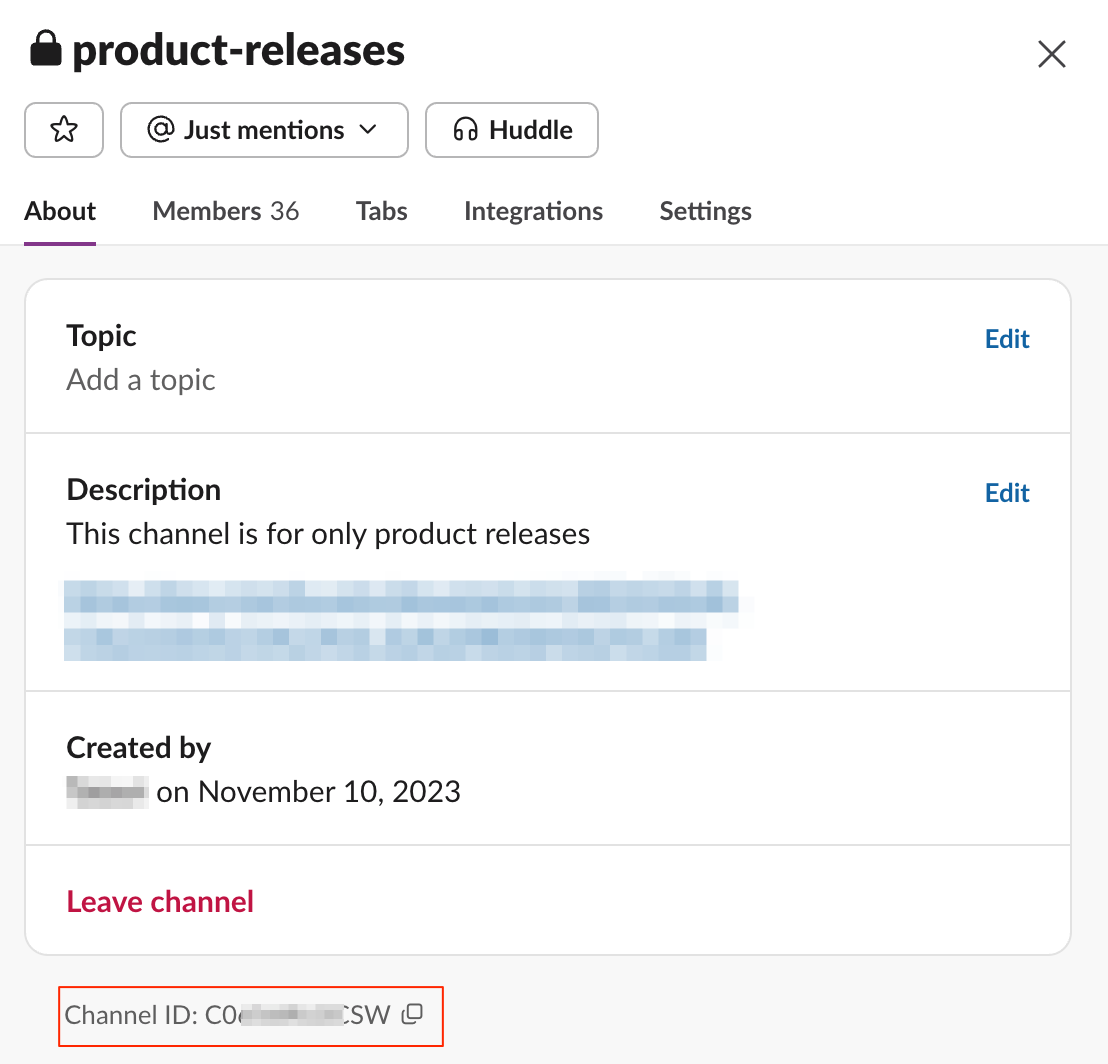
* Create or open your Slack channel and copy the **Channel ID** from the "About" section.
* Click the **Settings ⚙️** icon in the Alerts screen, and paste the Channel ID in the **Alerts Configuration** section.
3. **Invite "Hivel Alerts" Bot to Slack:**
* Type **`@Hivel Alerts`** in the Slack channel and invite the bot.
Once done, Hivel will start sending alerts to your Slack channel.
### Sending Alerts to Personal DMs instead of channels
1. Copy the member ID of the individual who should receive the alerts - by selecting the profile icon -> view full profile -> three dots on the right then "Copy member ID"
1. Note - you can only configure one such channel personally. So in case you have configured your own member ID, you won't be able to add someone else's.
👉 **Need help?** Contact us at .